Connecting via Splashtop the Splashtop Business App
You canwill get the best performance and full feature set if you use the Splashtop Business App. This requires an install on your computer using adminsitrative privileges - so you may need to open a ticket with Total Tech to get this installed.
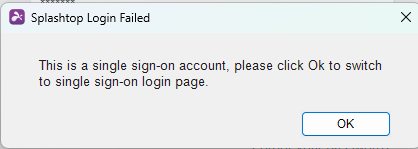
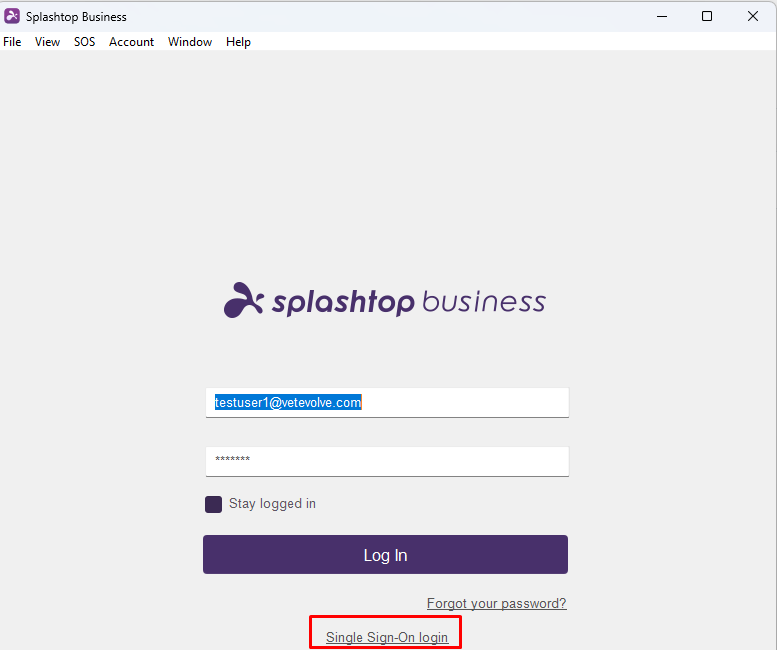
Once you have the Business app running, make sure to use the Single Sign-On login option.
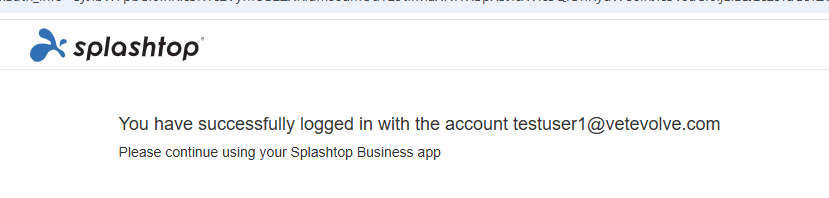
If you are logged into your Microsoft 365 account on a browser, it will authenticate and show you a screen similar to the following:
Otherwise you might be prompted to login to Splashtopyour Microsoft account.
In you are logging in for the first time or from a new device, you may get a message you need to authenticate via email similar to the following:
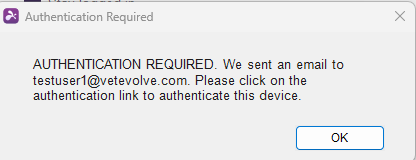
Go to you email and click on anythe web browser by goinglink to authenticate. Once successfully authenticated, you will get a message similar to below:
Splashtop - Fast, Secure Remote Access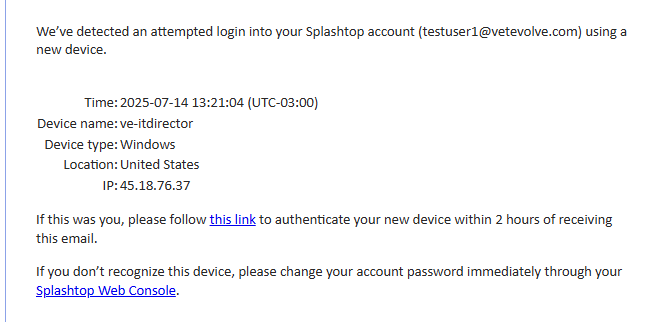
(https://my.splashtop.com/login/sso).
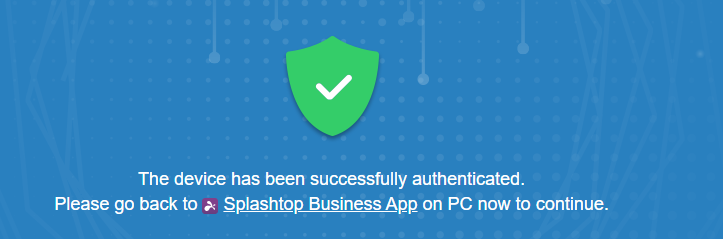
Once signedsuccessfully authenticated, you will get a message similar to below. Then you can click OK in your Business App
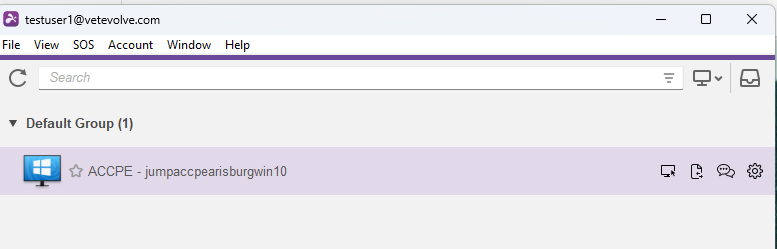
Once logged into your Business App you should see a list of computers you canhave access and some icons to the right. The ellipsis icon gives youand a menu to do a few housekeeping items like rebootand the computer or look at the properties. The "start session" icon in the one you will want to primarily use.top.
In the web interface, you can chose the "From the Web App in this browser" option to quickly connect with the minimal features.
Using the Splashtop Business App is more feature rich and generally has better performance, but requires you to be able to install the appDouble-click on the computer you are working from. You can find more about howwant to useconnect to (or click the connect icon). This will open a remote connection window to the computer you are trying to access. Note that in the Business App here.
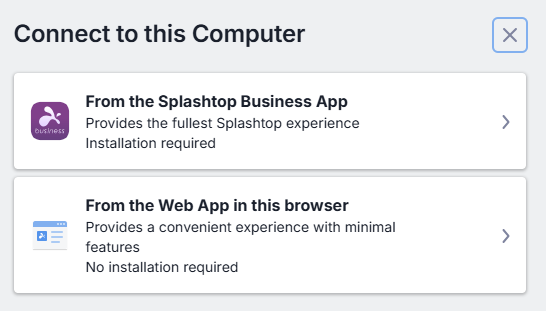
If you chosoehave the Web App, it will open a session in another tab similar to how DWService works. If you are prompted to allow clipboard access, generally you will want to click Allow:
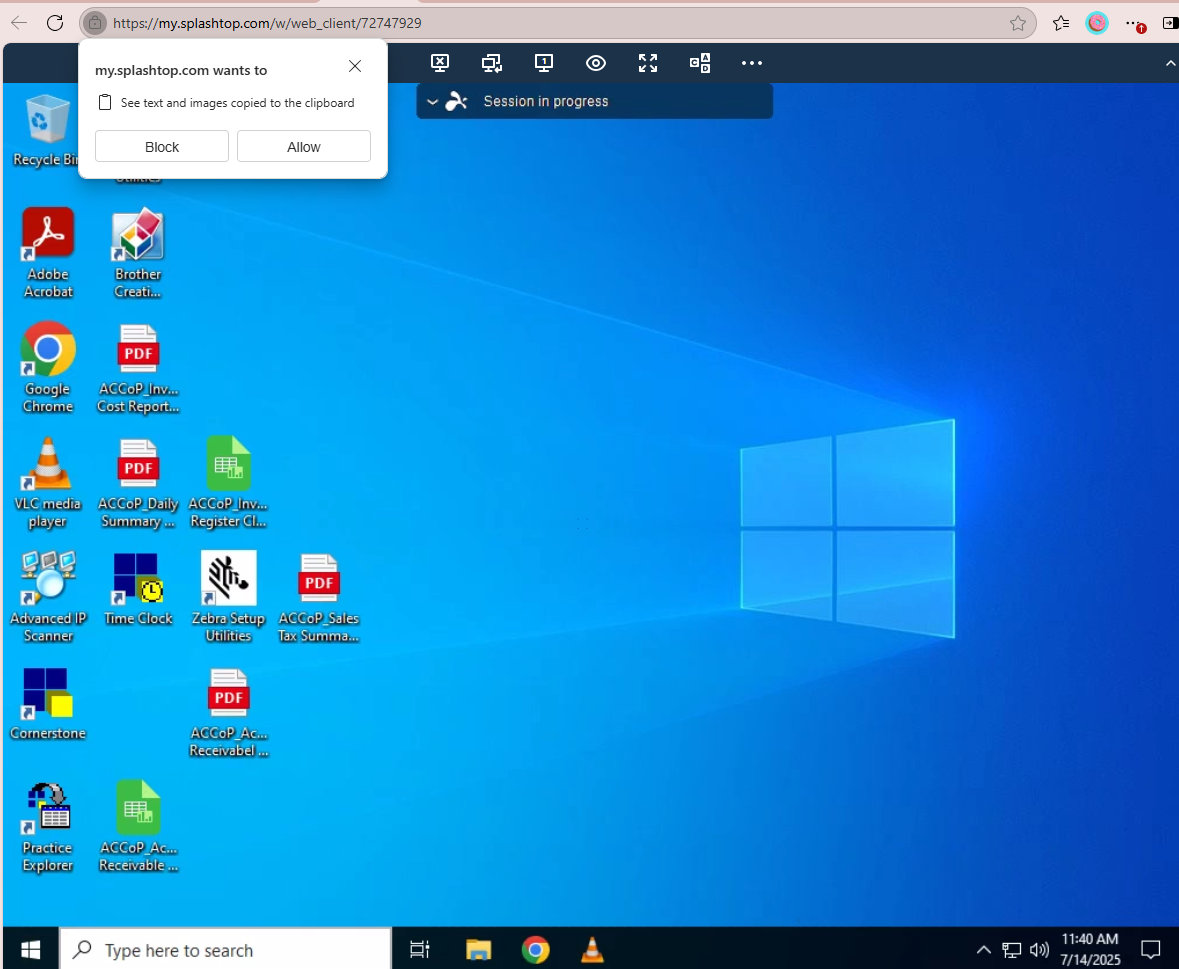
Once you are connected you can control the remote desktop just as you would a local computer.
There aremore icons at the top tofor thata arericher mostly self-explanatory - but it is important to know how to send the Ctrl-Alt-Del sequence if the
screen is locked:
experience

Additionally, the "eye" icon allows you to adjust the view by zooming in or out and adjusting the frame rate which can have a big impact on performance.
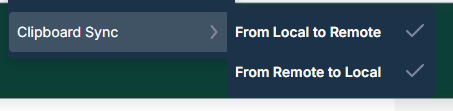
You can copy and paste between sessions as long as the clipboard sync is turned on
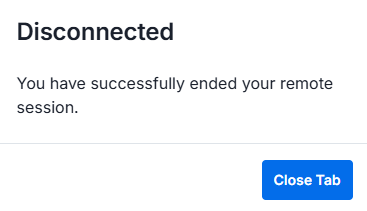
Once you are done with your session you can close the browser tab or click the Disconnect icon