
Installing Splashtop on Server or Workstation
One of the easiest and most direct ways to install Splashtop on an existing computer is to use a download link that has a special code to assign to our VetEvolve and Practice locations:
Typically it looks similar to this: https://my.splashtop.com/team_deployment/download/nnXXXXXXXXXX
You can browse to this link on a computer you would like to install it on and then walk through the following steps:
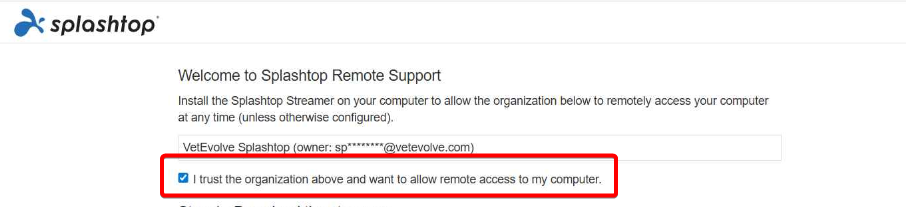
Once the landing page load - click the checkbox that says "I trust the organization above and want to allow remote access to my computer."
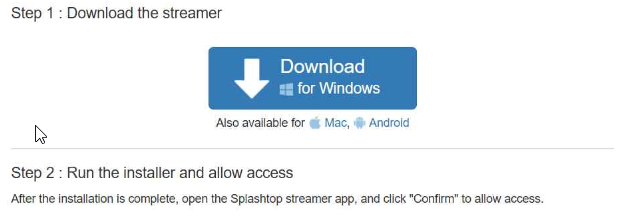
Then following the steps as directed to download and install the Splashtop agent:
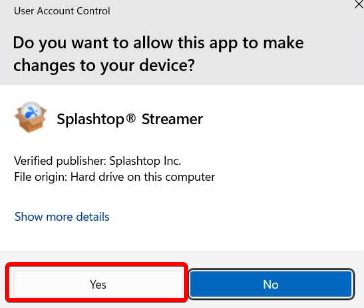
If prompted for User Access control during the install - click Yes
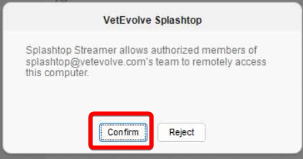
Click Confirm on the screen to authorize VetEvolve:
You can then close the Streamer application.
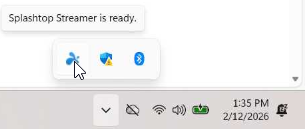
You will see a tray icon in the lower right on Windows computers that the Splashtop agent is active:
No Comments