
Connecting to Instinct
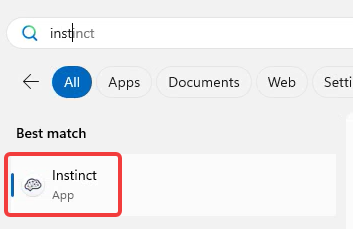
You can install the app or you can use the web browser to access Instinct.
To install the app on Windows machine, download and run from this link:
-
MSI User Installer
This should allow you to download and install without administrative privileges.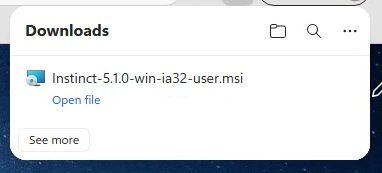
Once installed you can open the Instinct app.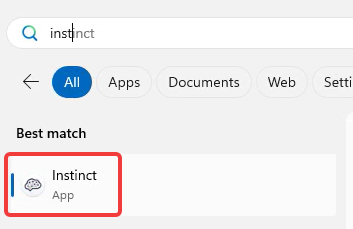
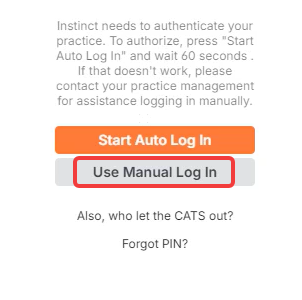
Once it starts - choose Use Manual Log In
To access via the web, you can browse to https://app.instinctvet.cloud/
Once you are in the app or on the web sign-in page - you will see the sign-in screen.
This is where you will drag and drop the token file (a text file sent or provided to you separately)
Drag the text file onto the login section of the screen. The screen background color should change to blue background.
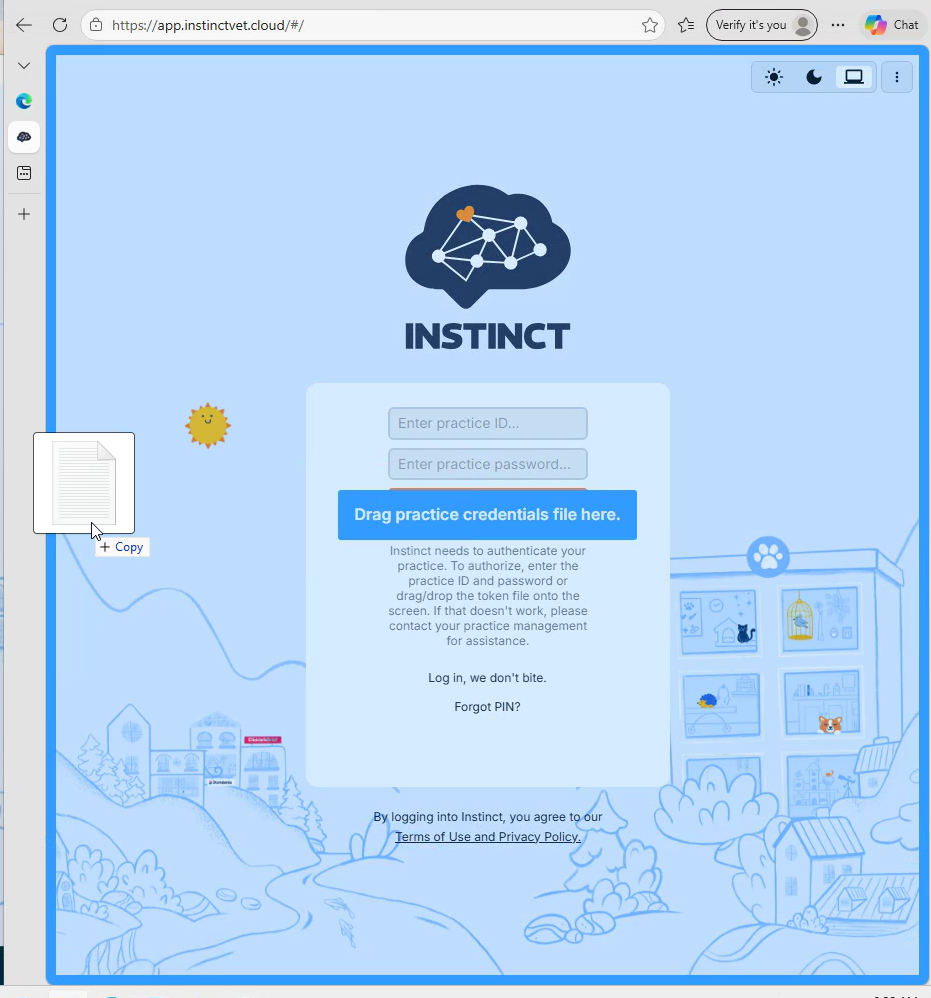
Once the token file is successfully process - the screen will turn green and then transition to ask for your PIN
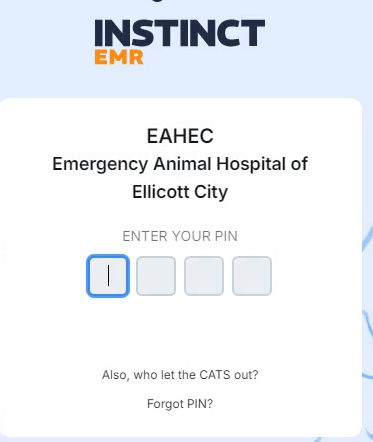
Enter your provided PIN and it should log you in.
No Comments