Report a Phishing or Junk/Spam Email Using Outlook
Why Use the Report Message Feature?
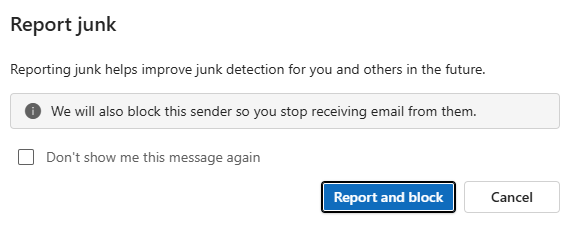
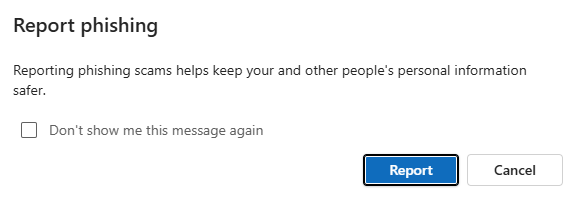
The Report junk and Report phishing feature allows you to safely report potentially malicious emails to Microsoft and the VetEvolve IT team for review. When you report a phishing email, it is removed from your inbox to reduce the risk of accidental interaction.
How to Report a Junk or Phishing Email
Applies to: Outlook (New Desktop Application) and Outlook on the Web (Office 365)
- In the Inbox view - select the message using the checkbox just to the left of the message

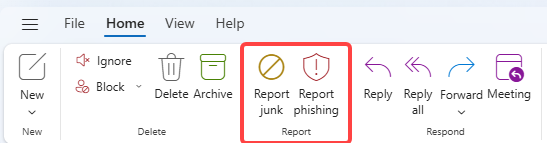
- On the Inbox toolbar - select either Report junk or Report phishing as appropriate
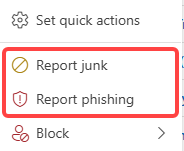
You can also right click on any message and find the Report junk and Report phishing options

|
On Inbox toolbar
|
On right click menu
|
|
|